
Build Your Own Business Website — Free for 7 Days
Choose a website template, customise your pages and add your own business information. Start building your online presence without creating a website from scratch or writing code.
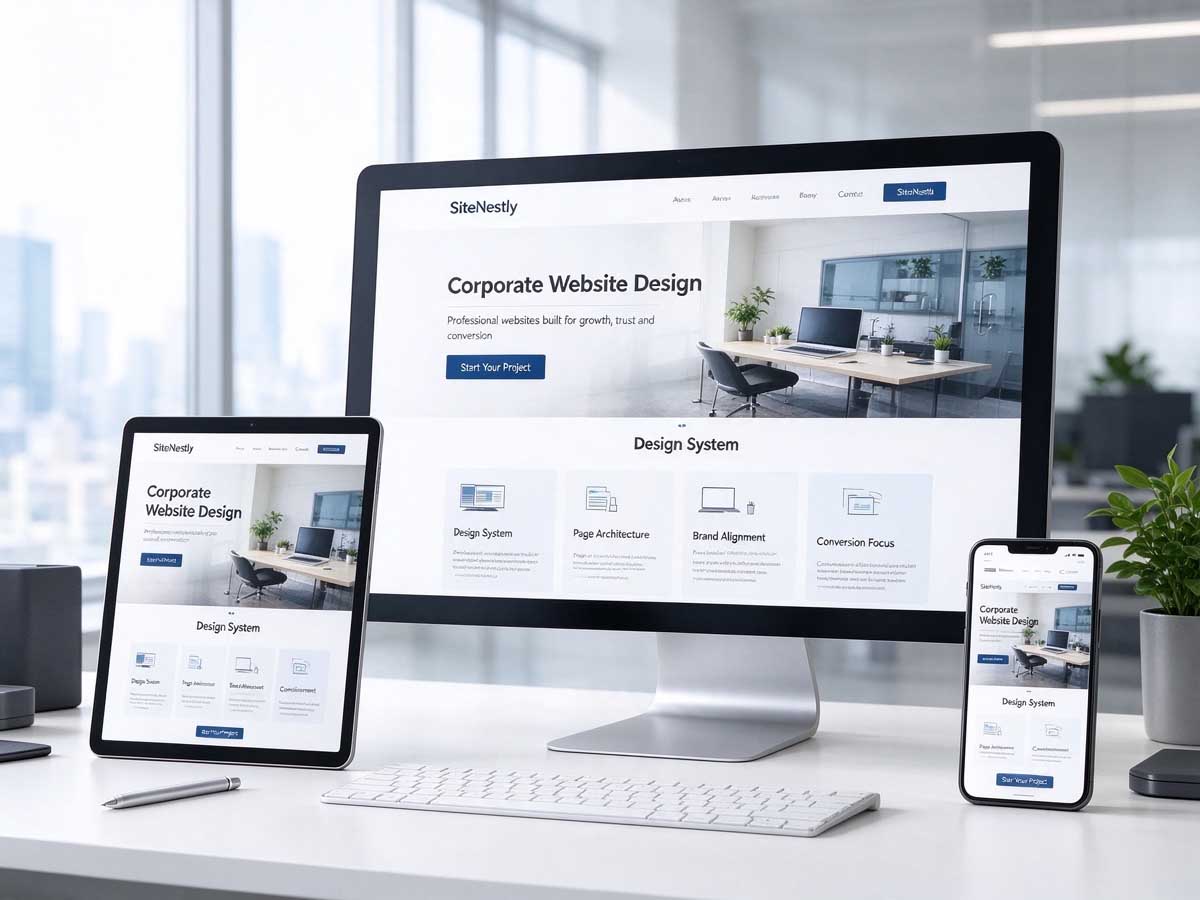
Create and Edit Your Own Website
SiteNestly gives you a structured starting point for building a business website. Choose from available layouts, edit your page content, add images and update your business information yourself. You can save your work and preview your website as you build it.
A Simpler Way to Build a Business Website
Start with an established layout and customise the content to suit your business, without having to build every page from the beginning.
Start with a Template
Use an available website design as your starting point and organise your company profile, services and contact details.
Edit Your Own Content
Update headings, text, images and business information yourself using the editing tools provided with your website.
No Coding Required for Basic Editing
Build your pages through the available website editing interface instead of writing website code for routine content changes.
Responsive Page Layouts
Use a template designed to adapt to desktop, tablet and mobile screens, subject to the selected design and configuration.
Preview Before You Continue
Review your saved content and check how your website looks while you are preparing it for publication.
Try Before Choosing a Plan
Explore the website-building experience with a 7-day free trial using a temporary domain, subject to trial terms.
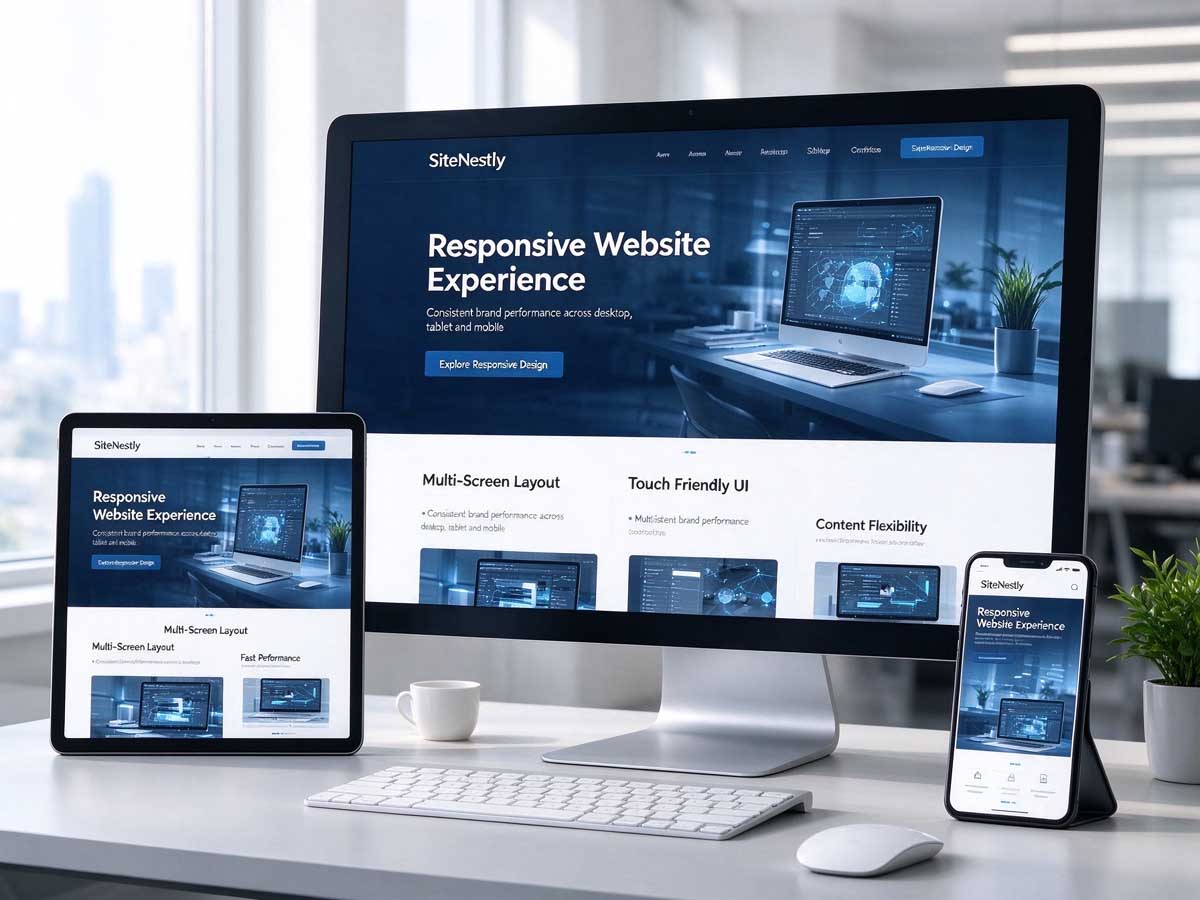
Build Your Pages at Your Own Pace
You do not need to prepare every page before you start. Begin with the key information about your business, then improve the content and presentation as you become more familiar with the editor.
- Add and update business text
- Upload suitable images and branding materials
- Organise your main business pages
- Save your changes and preview the result
- Review the layout on desktop and mobile screens
Explore the Website Builder for 7 Days
Try the editing experience first. During the trial, your website uses a temporary domain so you can prepare and preview your pages before deciding whether to continue.
Get Your Trial Website
Request trial access and receive the website login details once your trial site has been set up.
Edit and Preview
Log in to your website, customise the available pages, save your changes and preview your work during the trial period.
Choose a Plan
If you want to continue after the trial, choose an available paid plan. Domain arrangements, ongoing access and included services depend on the selected plan.
From Trial Access to Your Business Website
Start by exploring the builder, then decide how you want to continue once you have reviewed your website.
Request Trial Access
Contact SiteNestly to request a 7-day trial. Trial access is provided after the website and account have been set up.
Log In and Edit
Use your individual login details to access the editing interface and customise your business pages.
Save and Preview
Review your text, images, navigation and page layout using the available preview functions.
Decide What Comes Next
Choose an available paid plan if you wish to continue using the service after the trial period.
Continue When You Are Ready
The 7-day trial gives you time to explore the website editor, organise your content and preview your website before deciding whether SiteNestly is suitable for your business.
To continue after the trial, select an available paid plan. The plan determines the applicable service period, domain arrangements, hosting and other included features.
If you decide not to continue, access to the trial website may be restricted after the trial ends. Trial websites and their content are handled according to the applicable trial terms.
Ask About Trial Access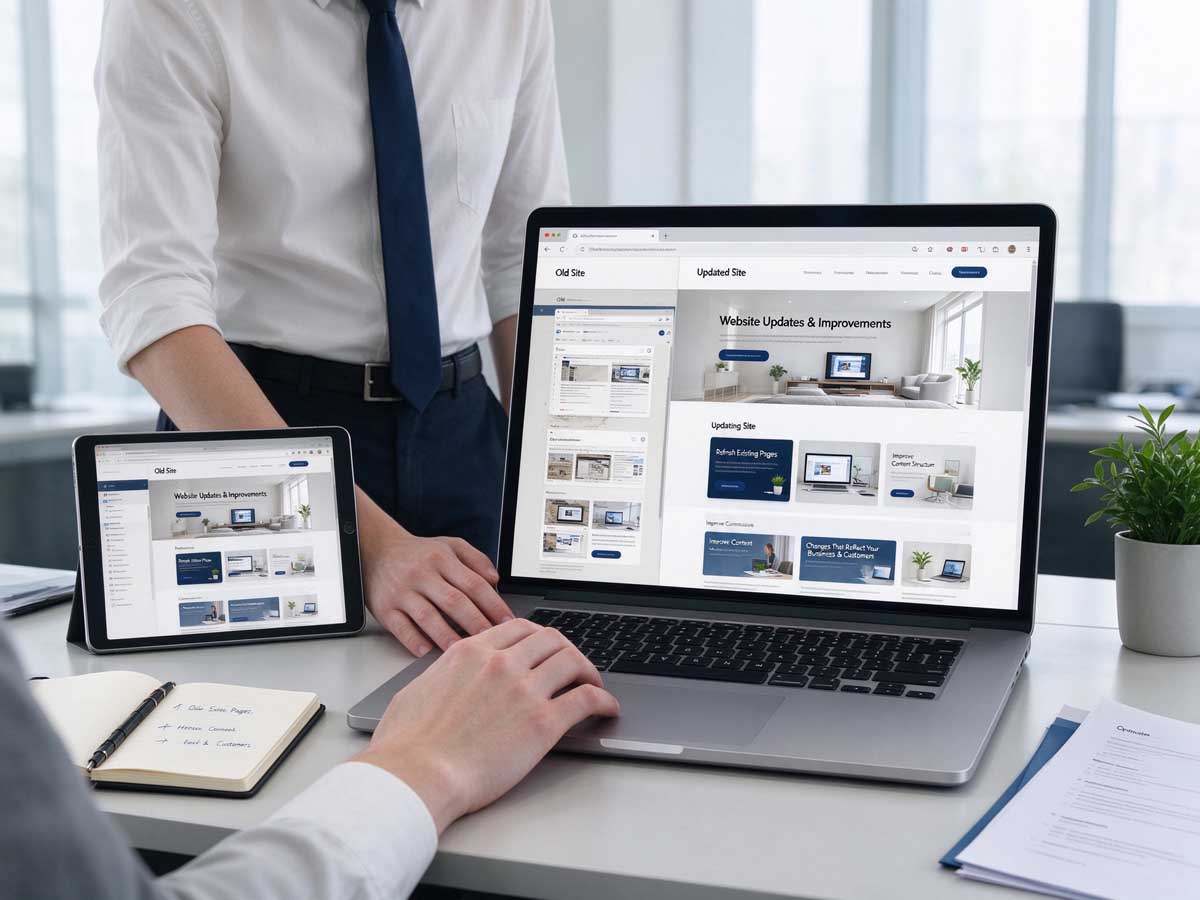
Self-Service Builder or Custom Website Design?
Choose based on how much control you want over building your pages and how much design work your project requires.
Self-Service Website Builder
Suitable for people who want to edit their own content using an established template and a guided website-building process. A 7-day free trial is available using a temporary domain.
Request a Free TrialCustom Website Design
Suitable for businesses that prefer a website planned around their specific brand, page structure, content and business requirements, with the project scope agreed in advance.
Explore SiteNestlyWebsite Builder Trial FAQs
What is a self-service website builder?
A self-service website builder lets you edit your own website using the available templates and editing tools. You are responsible for preparing and updating your business content.
Is there a free trial?
SiteNestly offers a 7-day free trial using a temporary domain. Trial access begins once your trial website is ready and the account is made available to you.
Do I need to know how to code?
Basic website editing is intended to be completed using the available editing interface. Custom code or advanced functionality may require additional technical work.
Can I use my own logo and images?
Yes. You can upload suitable images and use your own logo and business materials, subject to the storage limits and file restrictions of the applicable plan.
Can I use my own domain during the trial?
The free trial uses a temporary domain. Connecting a permanent domain, including a .com domain, depends on the paid plan and the applicable domain arrangements.
What happens when the 7-day trial ends?
You can choose an available paid plan if you wish to continue. If you do not continue, access to the trial website may be restricted and the website will be handled according to the applicable trial terms.
Are hosting and maintenance included?
Hosting, maintenance, backups and other ongoing services depend on the selected paid plan. Please review the plan details before subscribing.
Can SiteNestly build a website for me instead?
Yes. If you prefer a website designed around your specific requirements rather than editing a template yourself, you can enquire about SiteNestly's custom website design service.
Start Building Your Website
Explore a simpler way to create your business website. Request your 7-day free trial, edit your pages yourself and preview your website using a temporary domain before deciding whether to continue.
Request a Free Trial [email protected]